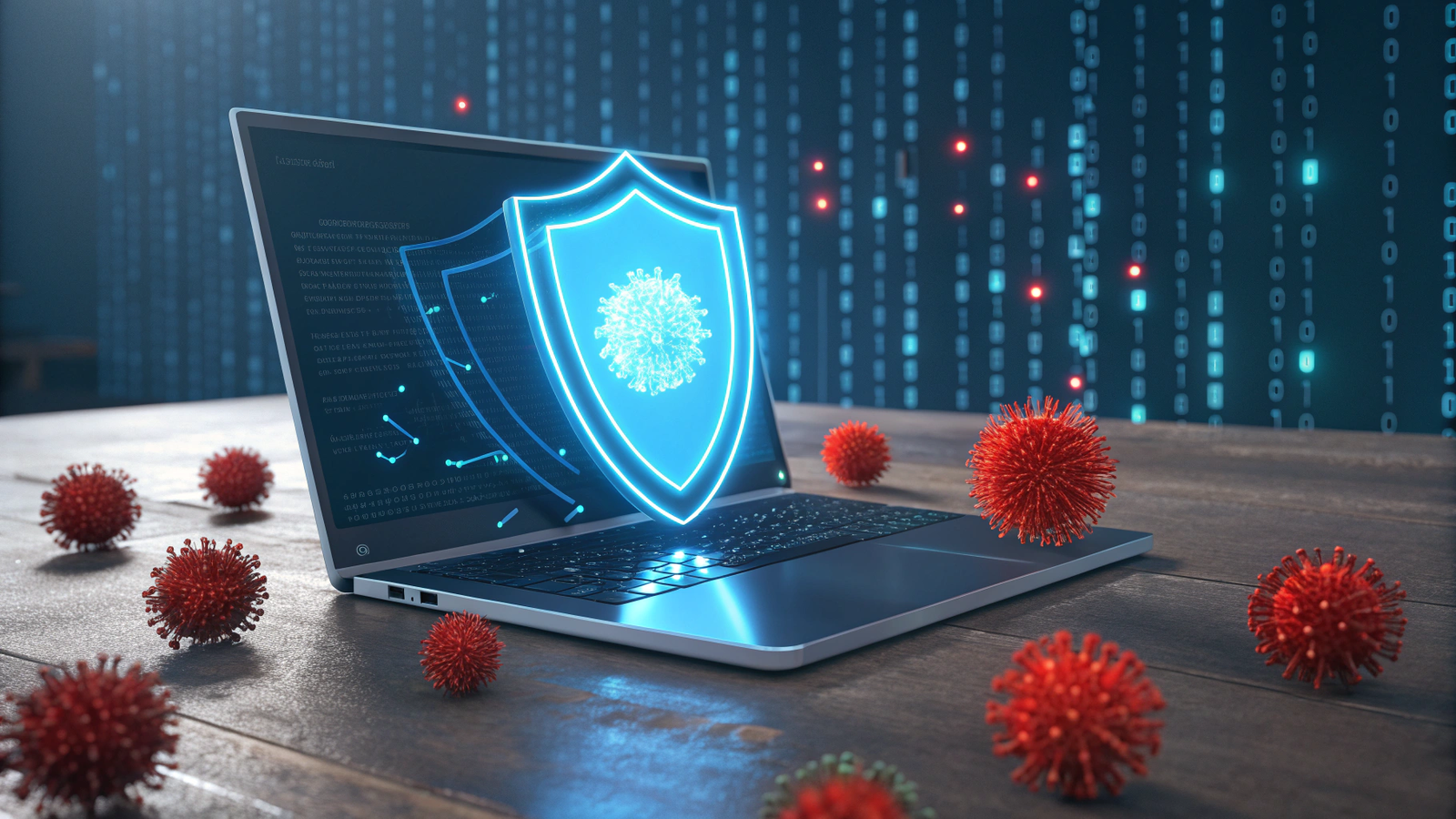
Introduction Finding the best free antivirus software is essential in 2025 to protect your personal data from hackers and malware. Browsing the internet without protection is like leaving your front door open.
In the past, free security tools were weak and full of ads. But today, companies offer premium-level protection for free. At GPL Digital Hub, we have tested the top security tools that protect your PC without slowing it down.
Why You Need Antivirus Protection in 2025?
Cyber threats are evolving. It is not just about “viruses” anymore. Here is why installing security software is mandatory:
-
Ransomware Protection: Hackers can lock your files and demand money to unlock them. Good antivirus software stops this attack before it happens.
-
Phishing Protection: Fake emails and websites try to steal your passwords. These tools warn you if a site is dangerous.
-
Performance Optimization: Modern security tools often come with “PC Cleaners” that remove junk files and speed up your computer.
-
Safe Banking: If you shop online or use net banking, antivirus software adds an extra layer of encryption to keep your credit card details safe.
1. Bitdefender Antivirus Free (The Best Choice)
Bitdefender is widely considered the best free antivirus on the market right now. It is incredibly “lightweight,” meaning it doesn’t make your computer slow. It runs quietly in the background, scanning for threats automatically.
-
Best For: Users who want “Set it and Forget it” protection.
-
Pros: Excellent virus detection rate, simple interface, no annoying ads.
-
Cons: The free version does not have a VPN.
2. Avast One Essential (All-in-One)
Avast is a giant in the security world. Their new version, “Avast One,” is not just an antivirus; it is a complete security suite. It includes a free VPN (limited to 5GB/week) and tools to update your drivers.
-
Best For: Users who want security plus privacy tools.
-
Feature: “Smart Scan” checks for viruses and privacy issues in one click.
3. AVG AntiVirus Free (For Gamers)
AVG is owned by Avast, so it uses the same powerful scanning engine. However, its interface is different. It is very popular among gamers because it has a “Do Not Disturb” mode that stops pop-ups while you are playing games or watching movies.
-
Best For: Gamers and home users.
-
Pros: Very easy to install and customize.
4. Microsoft Defender (Already Installed)
If you are using Windows 10 or 11, you don’t necessarily need to install anything. Microsoft Defender (formerly Windows Defender) has improved massively. It provides solid protection and is built directly into the operating system.
-
Best For: People who want zero hassle and no extra software.
-
Benefit: It never conflicts with Windows updates.
5. Malwarebytes (The Cleaner)
Malwarebytes is technically not a traditional antivirus, but it is the best “Second Opinion” scanner. If you think your PC is already infected and other tools can’t fix it, Malwarebytes will find and remove the virus.
-
Best For: Cleaning an already infected computer.
-
Important: The free version is a “Manual Scanner” only; it does not offer real-time protection like Bitdefender.
Frequently Asked Questions (FAQs)
1. Is free antivirus really safe? Yes. The free antivirus software listed here (Bitdefender, Avast, AVG) uses the exact same virus database as their paid versions. You get the same level of protection; the paid versions just offer extra features like Parental Control or Unlimited VPN.
2. Will antivirus slow down my computer? Old antivirus programs used to slow down PCs, but modern ones like Bitdefender and Microsoft Defender are very efficient. You won’t even notice they are running.
3. Do I need antivirus if I have a Mac? Yes. While Macs are generally more secure than Windows, they are not immune to malware. Hackers are increasingly targeting Apple devices, so having basic protection is a smart idea.
4. Can I use two antivirus programs at the same time? No! Never install two antivirus programs (like Avast and AVG) together. They will fight each other and crash your computer. However, you can use Malwarebytes alongside any antivirus because it works differently.
5. How often should I scan my PC? Most modern tools scan automatically in real-time. However, it is a good habit to run a “Full System Scan” once a month to ensure everything is clean.
Conclusion Security is a necessity, not a luxury. We recommend installing Bitdefender for silent protection or sticking with Microsoft Defender if you have Windows 11. Stay safe online!
1 thought on “5 Best Free Antivirus Software for Windows in 2025 (100% Free)”