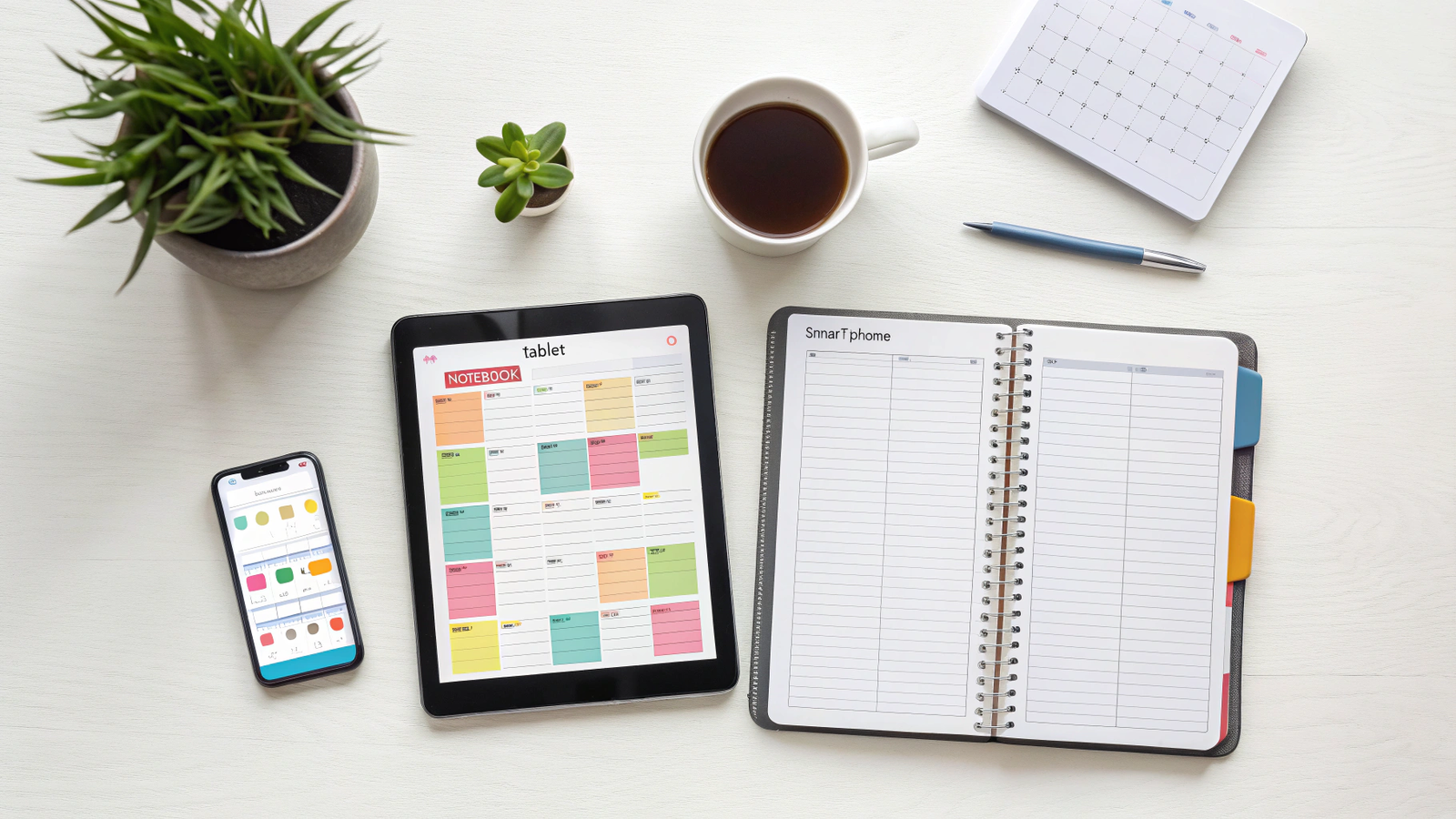
Introduction Do you feel like 24 hours in a day are not enough? In the digital age, staying focused is harder than ever. Distractions are everywhere. But with the right apps, you can take control of your time and get more done.
At GPL Digital Hub, we believe in working smarter, not harder. We have selected the top 5 productivity apps that will help you organize your tasks and boost your efficiency.
Why You Need Productivity Apps in 2025?
In a world full of distractions, relying on your memory is not enough. Here is how using productivity apps can change your daily routine:
-
Reduce Stress: When everything is written down in an app, your brain doesn’t have to worry about forgetting important tasks.
-
Track Progress: Seeing your completed tasks (like in Todoist) releases dopamine, motivating you to keep working.
-
Better Work-Life Balance: By organizing your work hours efficiently, you get more free time to spend with family or on hobbies.
-
Centralized Information: instead of having sticky notes everywhere, apps like Notion keep all your data in one searchable place.
1. Notion (The All-in-One Workspace)
Notion is more than just a note-taking app. It is a complete workspace where you can manage projects, create wikis, and track your habits.
-
Best For: Organizing your entire life, both personal and professional.
-
Why we love it: It is fully customizable. You can build your own system.
2. Todoist (Task Manager)
If you need a simple yet powerful to-do list, Todoist is the king. It lets you capture tasks quickly and organize them by priority. The “Karma” system gamifies your productivity, motivating you to complete tasks.
-
Best For: Keeping track of daily errands and work tasks.
-
Price: Free version is sufficient for most users.
3. Forest (Stay Focused)
Smartphone addiction is real. Forest helps you stay off your phone in a fun way. When you want to focus, you plant a virtual tree. If you leave the app to check Instagram, your tree dies.
-
Best For: Students and people who get easily distracted.
-
Fun Fact: The app partners with real organizations to plant real trees!
4. Google Calendar (Time Blocking)
Sometimes the basics are best. Google Calendar is essential for “Time Blocking”—a technique where you schedule every part of your day. It syncs across all devices and integrates with almost everything.
-
Best For: Scheduling meetings and managing your daily timeline.
-
Price: Totally Free.
5. Evernote (Note Taking)
Evernote is a veteran in the productivity space. It is excellent for storing documents, web clippings, and handwritten notes. Its search feature is powerful, allowing you to find text even inside images.
-
Best For: Researchers and students who need to organize a lot of information.
Conclusion Productivity is not about doing more; it is about focusing on what matters. We recommend downloading Todoist for your daily tasks and Forest to help you focus. Start small, and watch your productivity soar!
Frequently Asked Questions (FAQs)
1. Are these productivity apps free? Yes, all the apps listed (Notion, Todoist, Forest, Google Calendar, Evernote) have excellent free versions that are enough for personal use.
2. Which app is best for students? Notion is the best choice for students because it allows you to take notes, manage class schedules, and create to-do lists all in one place.
3. Can I use these apps on my phone and laptop? Absolutely. All these productivity apps sync across devices. You can add a task on your phone, and it will instantly appear on your computer.
4. Is Forest app worth it? If you are addicted to social media, yes. The gamification of planting trees makes focusing fun and stops you from checking your phone constantly.
5. How do I start using Notion? Notion can be overwhelming at first. We recommend starting with a simple “To-Do List” template provided by Notion and then exploring more features as you get comfortable.
1 thought on “Top 5 Productivity Apps to Organize Your Life in 2025”